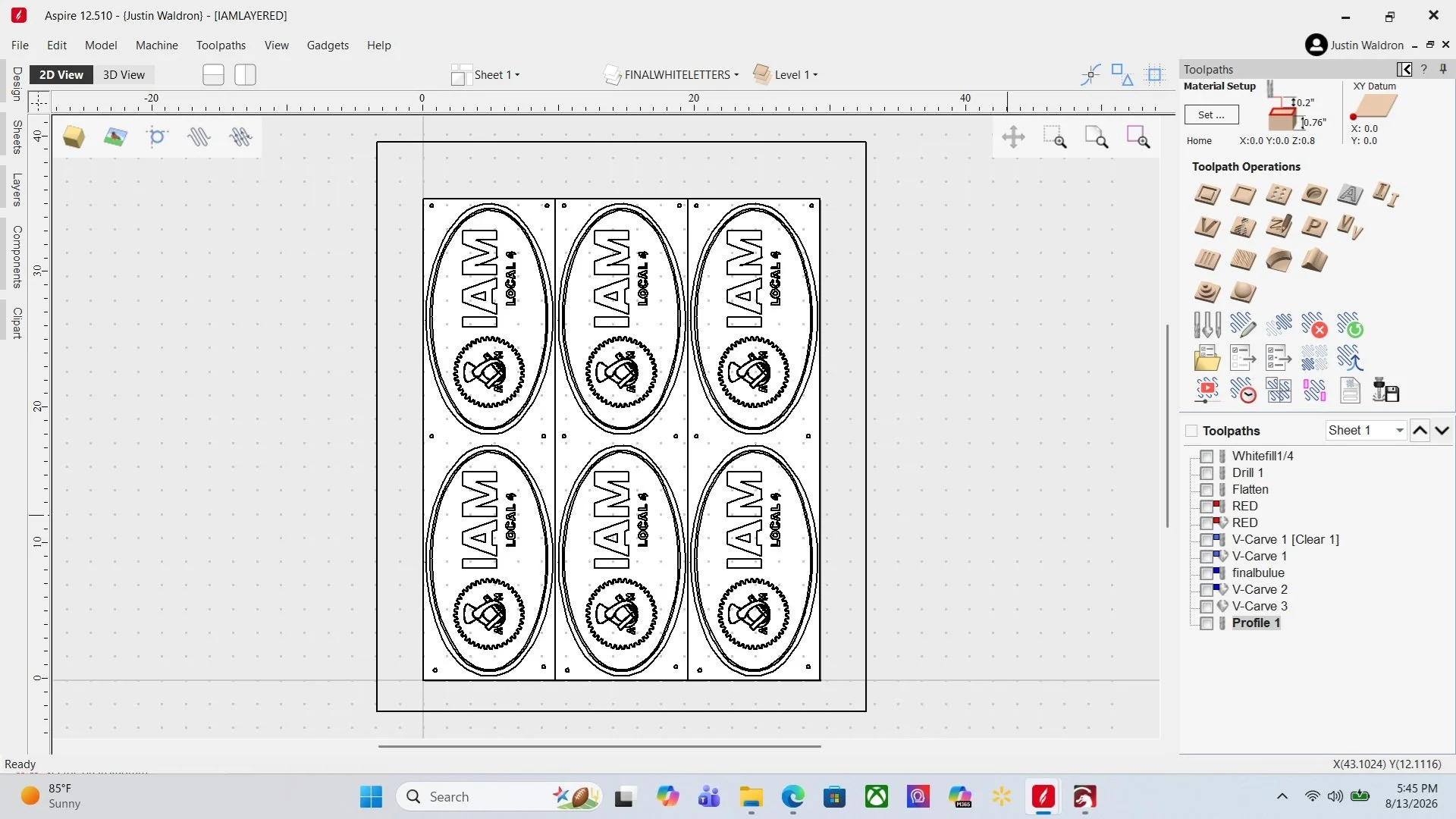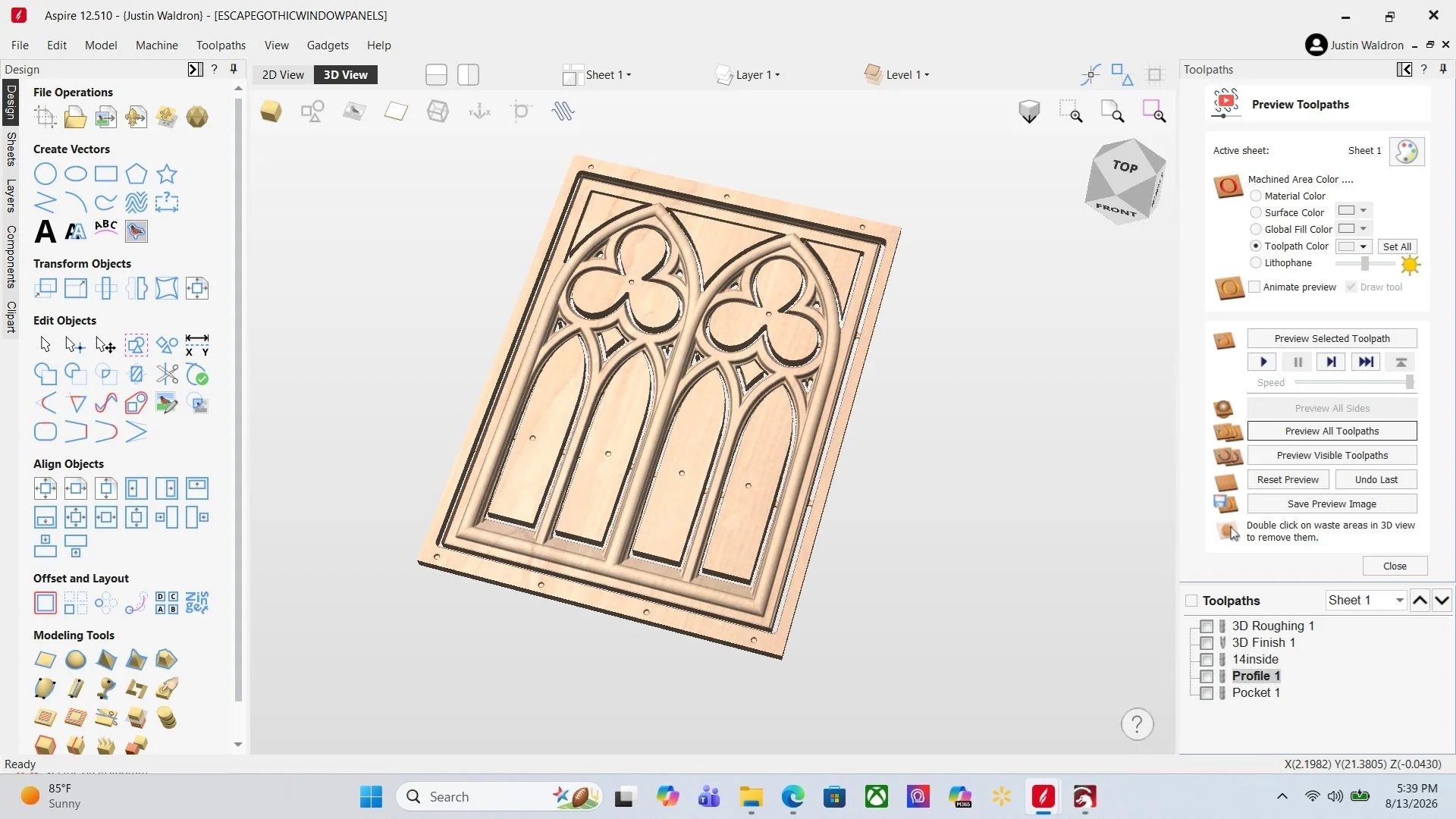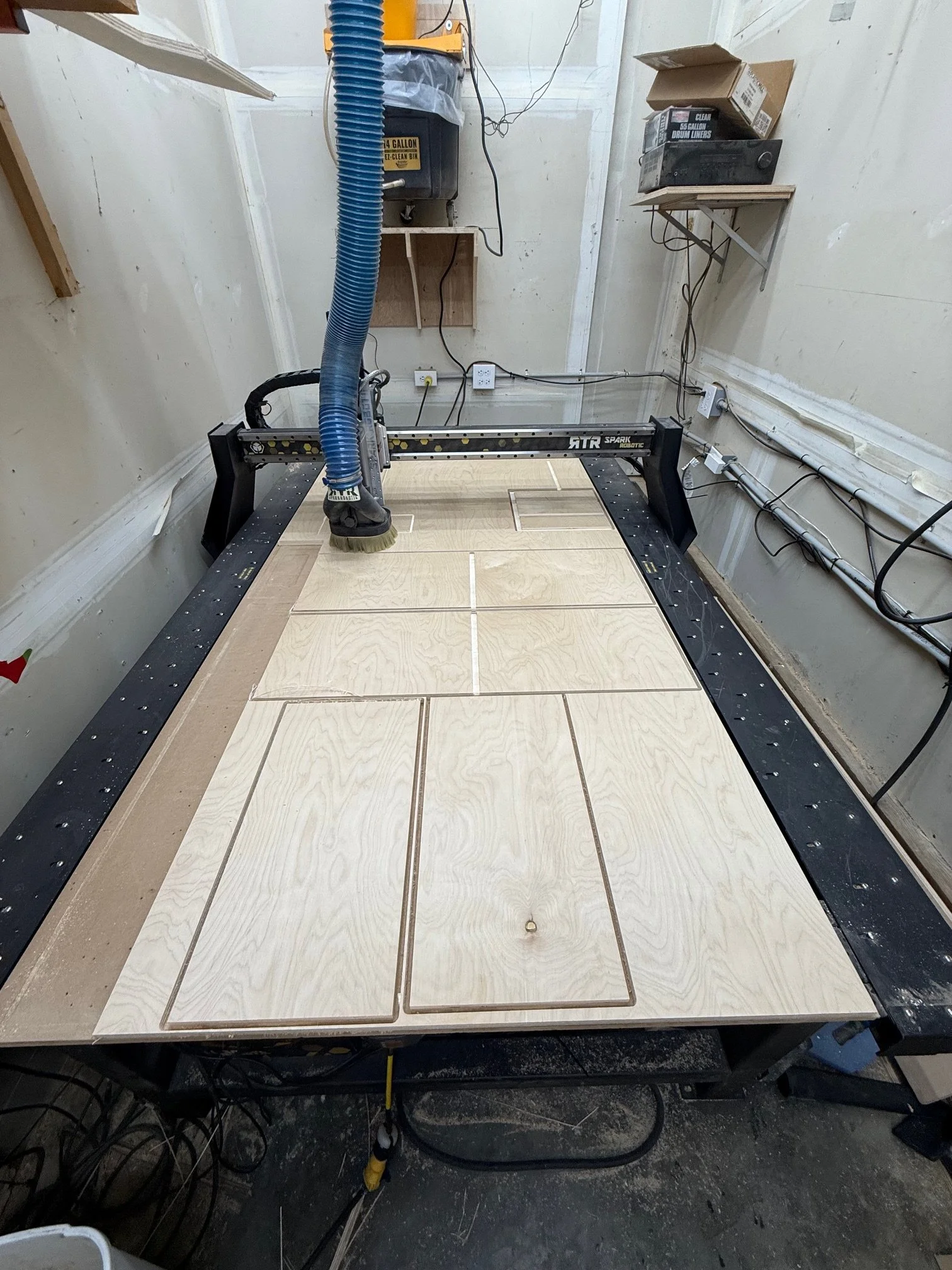
Your online resource for one-on-one instruction from setting up your CNC to file creation using Vectric (Vcarve/Aspire). Whether you are new to using a CNC or need some help with creating a file, this instruction is for you!
We are also offering one-on-one instruction in Onshape for 3-D modeling for woodworking and/or for 3-D printed projects.
Instruction will be a go at your own pace, with your clear goals in mind.
Our Process:
Topics that can be covered:
Basic Shape(s), toolpath creation.
V-Carving
Cabinet design with toolpaths.
Furniture design, jig making.
Node editing, open vectors.
Use of sheets/layers.
Use of Vectric to export files to Onshape/Lightburn. How to create STL’s in Onshape and export to VCarve.
Or work on a project that you are currently working on.
When signing up for class a questionnaire will be emailed that will give me an idea of where you are in your journey with your CNC and develop a plan prior to our first meeting.
I like to keep things as simple as possible when teaching, whether designing for production, toolpath selection, material selection etc.
Instruction is given in one hour increments; pricing plans are as follows:
1 class=$75
2 Classes=$120, savings of $30
5 classes=$300, a savings of $75